
日本語 | 繁體中文 | English | 한국어 | Tiếng Việt
Hello, everyone! This is the Yokohama Open Organizing Committee.
April 29 (Wed., public holiday): Sumai Agent presents Yokohama BC Count9 Battle 2026 is nearly upon us!
A stream with live commentary by Hijikata and Lo, an exhibition match, free play on DUYA CLUB’s Chinese 8-ball tables: a stage set for this one day only is waiting for you.
Entries are still open! If you’re on the fence about playing, please don’t let this chance slip by.
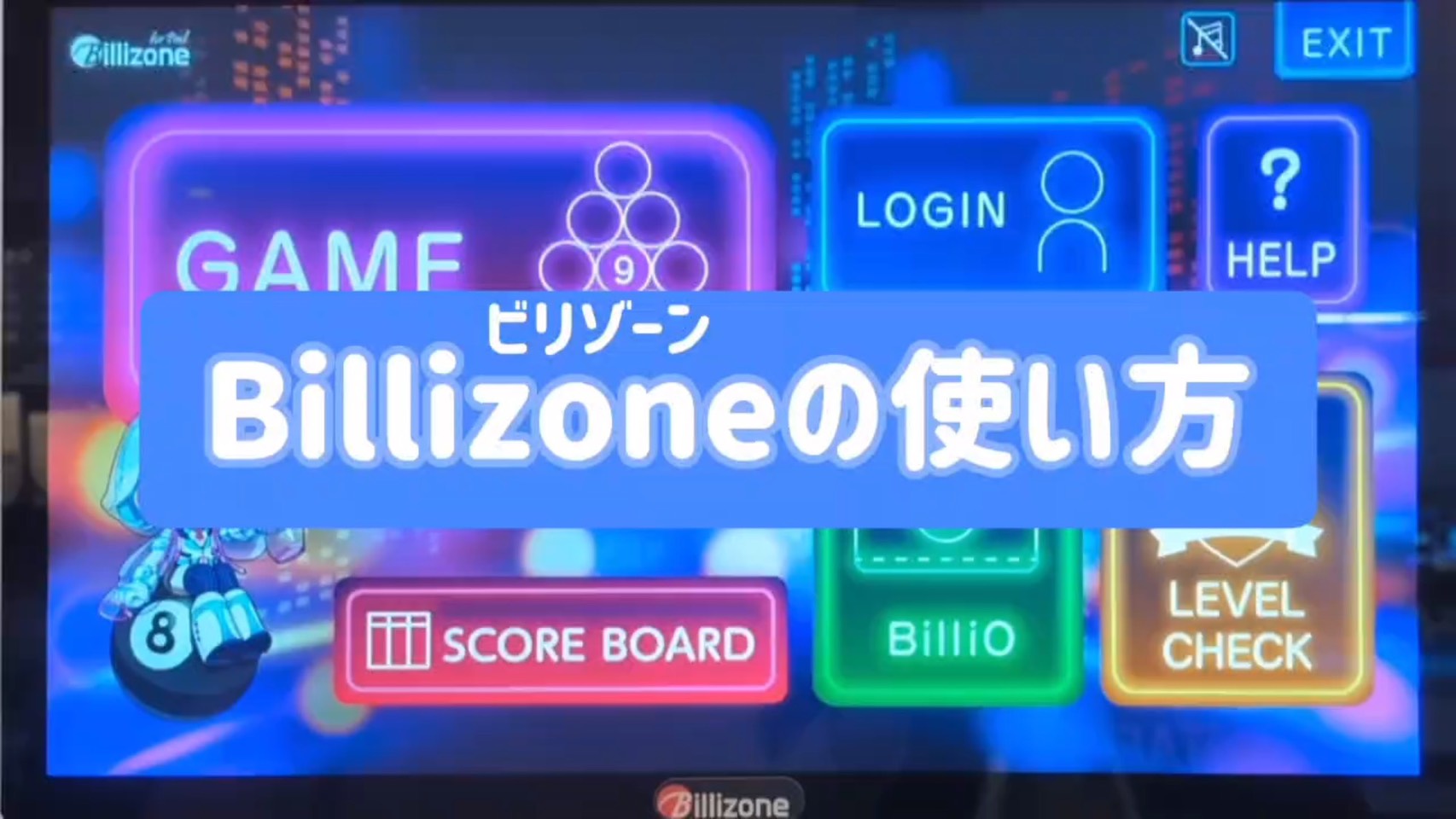
Now, at this tournament, the digital system “Billizone” will be used to keep score.
For anyone thinking, “It’s my first time, and I’m a little nervous…,” here is a walk-through of the basics, with a video to go along with it.
Learn the flow in advance, and on the day, focus on nothing but your play!
📺 Start with the video!
1. Starting a game
Begin from the Billizone main screen.
- “GAME” — tap it
- “COUNT9” — select it
*Connecting may take a little time.
2. Setting up players
Check the match sheet, then add the players.
Who goes where on the screen
- Player on the left of the match sheet → set at the top of the screen
- Player on the right of the match sheet → set at the bottom of the screen
How to register
- “+PLAYER” — tap it
- Enter your ID under “Search”
- Once you find yourself, enter your 4-digit password and confirm
*To play as a guest, simply select “GUEST.”
3. Setting the handicap and the break
Enter the points for your class.
Handicap
- B class: 40 points
- C class: 30 points
Break setting: This time the break alternates, so please select the alternating-break button.
When you’re done, tap “START” to begin!
4. Keeping score
Whoever wins the lag breaks first.
The basics
- Tap the side of the player who is scoring (the one at the table)
- The selected side is highlighted in yellow on screen
Scoring points
For example, if the 4 ball drops on the break, tap the ④ button and that player’s remaining points go down by one.
If you run out the rack, the screen shows “RUN OUT” — check the details and tap “Next set.”
⚠️ If you pocket an object ball but scratch, or similar (important)
If you pocket an object ball but the cue ball goes in too, or you commit a foul, the ball does not count.
Find the button for that ball number and press and hold it.
The ball is then marked as not counting, and no points are scored for it.
5. If something goes wrong
| Problem | What to do |
|---|---|
| I tapped the wrong button! | Fix it with the back button (←) at the bottom right of the screen |
| The turn didn’t switch! | When the turn changes, check that the scoring side is correctly highlighted in yellow |
If anything still worries you, don’t hesitate to ask the tournament staff on the day!
Got the hang of it?
All that’s left is to stand at the table on the day. If your hands shake, if your nerves get to you, that’s fine. Bring everything you are right now.
Commentary by Hijikata and Lo, an exhibition match, and matches played for real: on April 29, let’s make it the best day we can, together!
Entries are still open! If you’re still unsure, bring that uncertainty with you, and lay it on the table.
▼ Tournament details & entry
https://yokohama-billiards.com/yokohama-bc-battle2026
👉 Billiards resources from Japan and around the world, organized by purpose: Billiards in Depth (latest updated hourly)